

My Pre-Website Launch Checklist & Free Printable
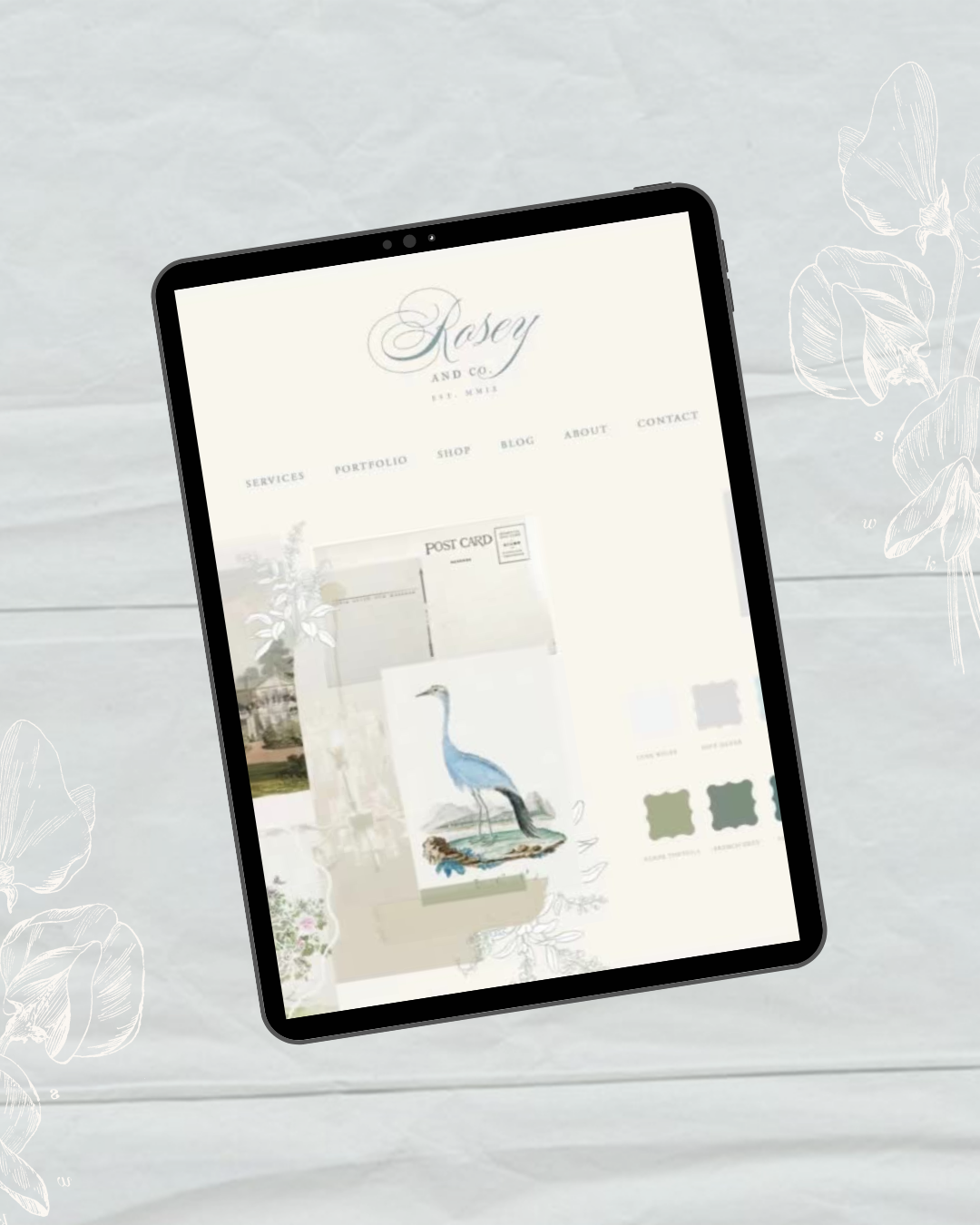
Exciting news! My brand new website is now live and I couldn't be happier. It's been a journey, but it was all worth it.
Last October, I realized it was time for a change. My previous website builder just wasn't cutting it. I wanted to create a community, share pinnable images, and allow comments on my blog posts, so the decision to switch to Squarespace was easy. And let me tell you, I'm so glad I made the switch.
With my experience building and refreshing websites, I knew there were a few crucial things to check off before hitting the publish button. And, I learned some new ones along the way too. That's why I put together a pre-launch checklist for you to follow before launching your own website. So, without further ado, let's get started!
In a Rush?
Download the checklist and read it at your leisure! ⬇
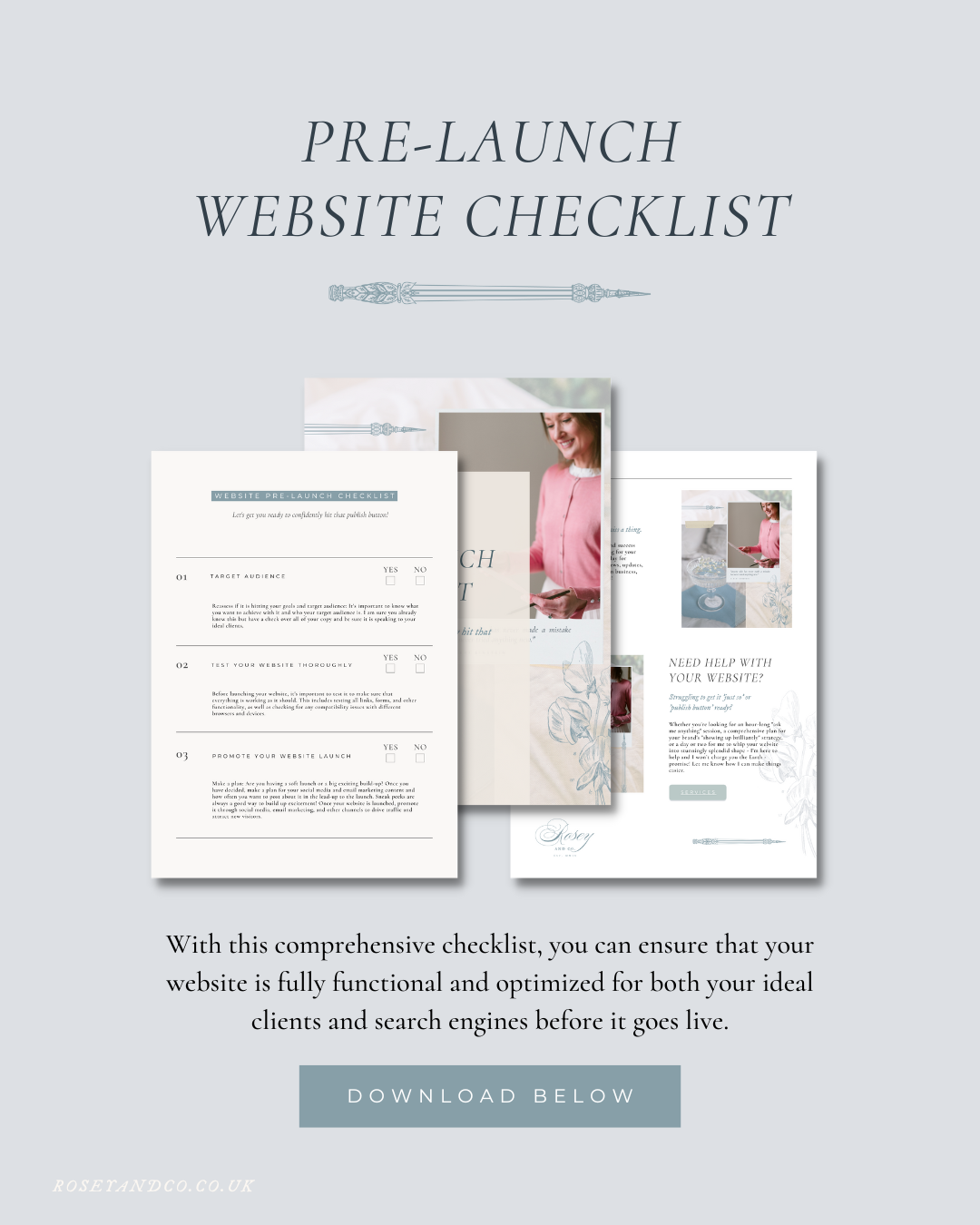
Is your website speaking to your ideal clients?: Reassess if it is hitting your goals and target audience: It's important to know what you want to achieve with it and who your target audience is. I am sure you already know this but have a check over all of your copy and be sure it is speaking to your ideal clients.
Test your website thoroughly: Before launching your website, it's important to test it to make sure that everything is working as it should. This includes testing all links, forms, and other functionality, as well as checking for any compatibility issues with different browsers and devices.
Check the website's load time and look for ways to optimize the performance.
Promote: Plan how you will promote your website: Are you having a soft launch or a big exciting build-up? Once you have decided, make a plan for your social media and email marketing content and how often you want to post about it in the lead-up to the launch. Sneak peeks are always a good way to build up excitement! Once your website is launched, promote it through social media, email marketing, and other channels to drive traffic and attract new visitors.

4. Content:
Check for spelling, grammar and typos errors in the text.
Ensure that all images and videos are properly optimized and properly sized.
Make sure all internal links are working and leading to the correct pages.
Verify that all external links open in a new tab.
5. Design & Layout
Ensure that the website layout is consistent across all pages.
Check the website's responsiveness on different devices (desktop, tablet, mobile).
Make sure all buttons and call-to-actions are working correctly.
Check for any broken images or missing icons.
6. SEO: *If you really need to get your website live, some of these can be done after publishing, it takes a lot of time to ensure all alt tags on your images are added etc. You will be tweaking and editing your website over time so try not to get completely overwhelmed by the ‘to-dos’ as long as they get done - right?!
Check the website's meta titles and descriptions to ensure they accurately describe the content of each page. This will really help with rankings!
Ensure that all images have proper alt tags.
Verify that the site is using appropriate header tags (H1, H2, H3, etc.).
Check for broken or redirected pages to avoid damaging the site's overall SEO.

7. Analytics:
Verify that Google Analytics and any other tracking tools are properly installed and configured.
Check that conversion tracking is set up for important actions, such as contact form submissions or purchases.
Ensure that any goals or funnels have been correctly set up in Google Analytics.
One Last Tip
Don’t change your website provider unless you have to!
One thing I would say though is - don’t change your website provider unless you have to! I had to purely because I would not be able to carry on with my plans for my business if I didn’t, however, it was not an easy process it was a massive long drawn out headache!
It took me a lot longer to build my new website than I expected. The Squarespace website builder was completely different to my old one plus the Fluid Engine was a little slow at times, to say the least! I needed to add all of my past blog posts plus my portfolio which took a very long time and many late nights.
I hope that by checking off this list, you will feel more confident to hit that publish button! If you follow this checklist your website will be fully functional, visually appealing, and optimized for both users and search engines before launching.
Need Help?
Do you know that many of the questions I get asked are about website design?
Are you worried that your new website isn’t looking up to scratch?
Is something a bit off?
Have you got all the 'calls to action' ticked off to get those all-important inquiries?
I can help by having a look over your website pre-launch and let you know if there are any design tweaks I can help with and if any vital things are missing to make your website works for you.
With over ten years of experience in web design - I can help you whip your website into shape, get it looking beautiful and get you (finally) confident to hit that Publish Button!
Pop me an email and I will let you know how I can help you!